
Find the central idea
Choose the product truth or brand message the visitor should take away, then give the interaction a clear purpose.
A clear idea. A considered build.
Interactive launches, product stories and digital experiences where motion and participation help people understand what makes your offer different.
01Show a product’s form, options or process through interaction.
02Give a launch or campaign a recognisable visual idea.
03Make motion serve the story while keeping the core content accessible.
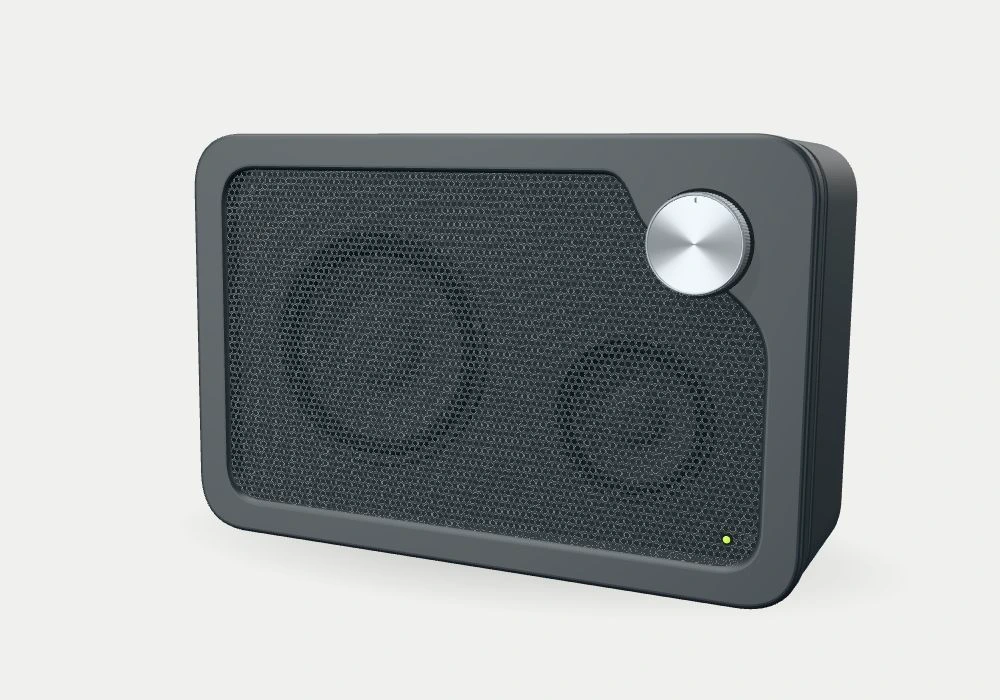
An interactive studio concept. No physical product is for sale.
Try the interaction. Imagine what it could do for your product.
Choose the product truth or brand message the visitor should take away, then give the interaction a clear purpose.
Prototype the defining moment and review its appearance, responsiveness and usefulness before expanding the experience.
Adapt the experience to the agreed devices, provide simpler states where needed and prepare the assets for delivery.
We design for the target devices from the outset. The motion, scene complexity and fallback experience are adjusted to the agreed performance goals.
Not necessarily. We review your available photography, brand files and product models, then agree which assets need to be made and how they may be used.
Often. A focused interactive section can work within an existing site. We first check its content tools, hosting limits and page performance.